Context
This project was built for the IT department at Peterborough Regional Health Centre Hospital to reduce the amount of manual effort required for repetitive account-management tasks.
Implementation
The repo README makes clear that this was more than a simple lookup script:
- written in PowerShell and compiled to an executable
- launched with administrator privileges
- prompts for credentials so commands can run under the intended user context
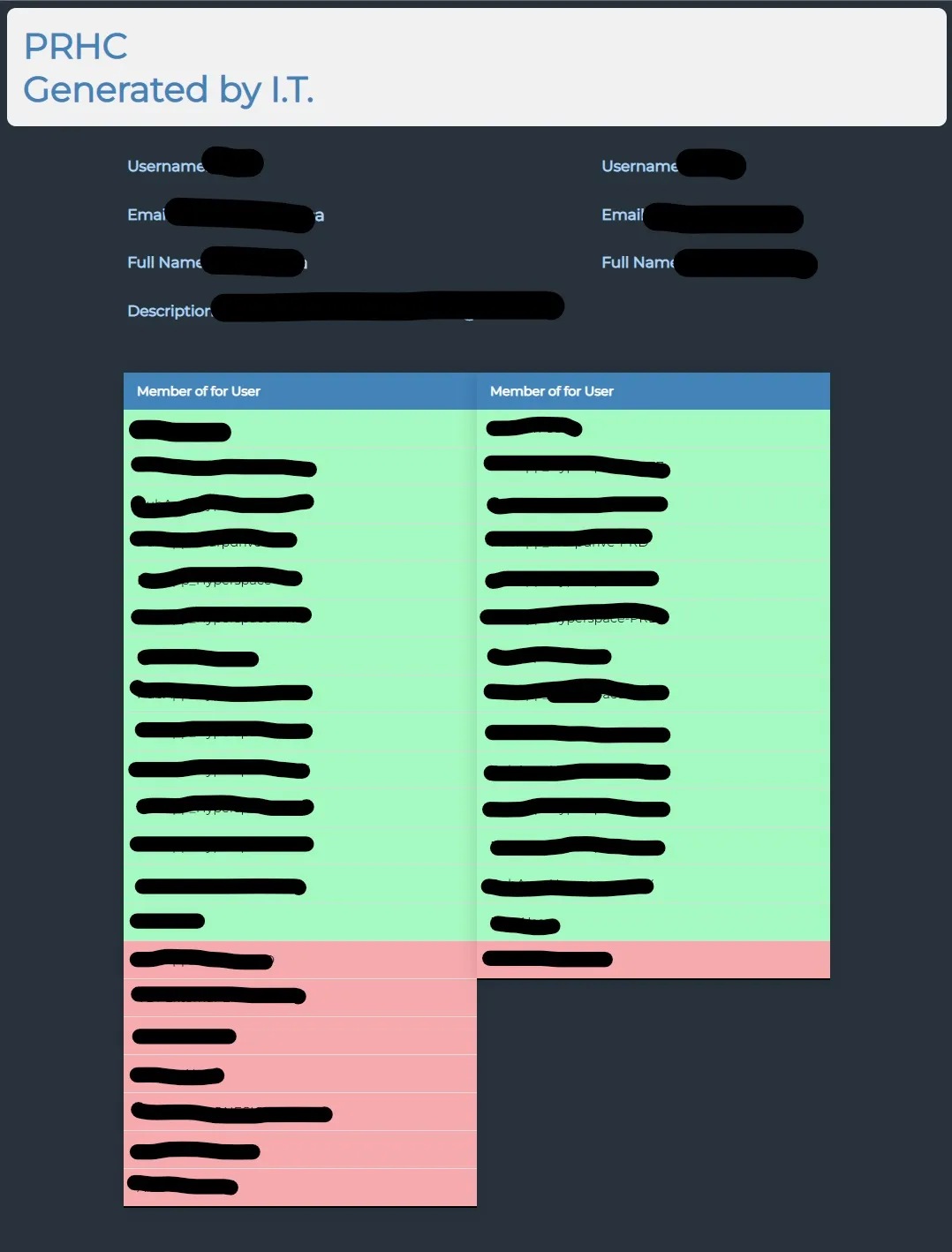
- generates HTML output for readable account inspection
Main Capabilities
- Look up a single account and generate a readable HTML summary of useful Active Directory information.
- Compare two users and highlight shared versus differing security groups.
- Copy missing groups from one user to another, or fully overwrite group membership.
- Copy user properties such as department, office, and manager.
- Move a user into the same OU as another account.
- Create a net-new user based on an existing user’s configuration.
Outcome
The value was operational speed. The tool wrapped awkward AD tasks into a faster workflow and gave hospital IT staff a more legible interface for account comparison and cloning.
Collaboration
Worked on with Jax Sutton.